Most accounts payable (AP) automation failures aren’t technical—they’re preventable. They stem from decisions made long before the software goes live: skipping critical conversations, assuming teams will simply adapt, or selecting a tool that can’t enforce the rules your process depends on. Once those missteps are baked in, even the best software struggles to deliver the results you expected.
This guide outlines the most common pitfalls that derail AP automation implementations—and how to avoid them—so the system you choose delivers the accuracy, control, and visibility you expect.
Starting without stakeholder buy-in: How AP automation loses momentum before it delivers value
AP automation stalls when leadership doesn’t see the business case. If leaders view automation as “AP’s project,” you’ll struggle for budget approval and wait endlessly for decisions. The rollout drags before it even begins.
Executives respond to financial impact, not departmental frustration. Highlight the true cost of manual AP: extended cycle times, repeated rework, missed early payment discounts, duplicate payments, and hours spent correcting coding errors instead of closing the books. These inefficiencies affect cash flow and accuracy—and that is what gets executive attention.
If you need help framing the argument, use this guide on how to sell AP automation to leadership. It breaks down talking points in terms executives relate to and act upon.
When leadership buys in early, AP automation stops being viewed as a departmental task and starts being recognized as a business-critical solution that drives efficiency, accuracy, and cash flow improvements.
Lack of team support sinks adoption fast
AP automation succeeds only when the people using it understand its value and trust in it. When teams don’t see why the system matters—or don’t feel prepared—they often revert to old habits.
It’s important to identify the root of resistance. People don’t cling to old workflows because they enjoy them; they cling to them because those habits have historically kept processes afloat.
Make the value of AP automation clear. Highlight how it eliminates the tedious, error-prone tasks everyone dislikes: chasing emails, double-checking entries, fixing coding errors, and scrambling at month-end. When team members see their workload lighten and processes simplify, support grows naturally.
Train more than just the “go-to person.” Spread knowledge across the team so operations don’t stall when someone is absent or changes roles. Modern AP systems are easy to use and require minimal training, so adoption sticks when the entire team feels confident and capable.
Failing to map your current workflow
AP automation fails when you don’t understand the process you’re trying to improve. Skipping this step often means automating the wrong tasks while leaving the real points of friction unresolved. Errors don’t disappear—they accelerate.
Before evaluating software, map the current workflow from start to finish: request, approval, purchase order (if applicable), invoice, and payment. Identify where bottlenecks, delays, or errors occur.
A clear view of your workflow reveals the gaps and inefficiencies the automated system must address.
Choosing a tool that can’t enforce AP controls
Many AP automation projects fail when software is selected for a polished demo rather than the business controls it must enforce. A clean interface or a quick approval click won’t matter if the system can’t uphold the rules that protect your finances:
- When a tool can’t enforce coding or approval paths, mistakes go unchecked.
- If invoices can be submitted without required purchase orders or approvals, you’re automating non-compliance—not control.
- If approvals can be easily bypassed or reassigned, controls break down quickly. The AP automation system must enforce who can approve what, at which thresholds, and under which conditions.
- Effective AP automation prevents payment when price, quantity, or receipt don’t match.
- Every invoice needs a clear audit trail: who submitted it, who approved it, which policy applied, and why exceptions were allowed. Without this, audits become slow, costly, and risky, regardless of how polished the interface appears.
The solution is straightforward: identify the business problems the system must solve before evaluating features. For a detailed breakdown of what a robust AP solution should deliver, this guide provides a clear explanation.
Skipping integration planning leads to manual double work
AP automation delivers the most value when integrated with your ERP. Treating integrations as an afterthought leads to mismatched data, forcing finance teams to manually verify transactions—and doubling the workload.
Plan integrations from the start. Confirm how vendors, budgets, general ledger codes, and payments will synchronize. Test using real invoices rather than staged examples to ensure data flows according to your business processes, not just the system’s default settings.
A robust integration establishes a single source of truth across AP, procurement, and accounting, reducing errors, duplication, and manual reconciliation.
Choosing AP software that can’t scale as you grow
You need to look ahead before you buy. Finance leaders often select a tool that fits current needs—but the cost of that decision becomes clear later. As invoice volumes increase, new locations come online, approval chains grow more complex, audit requirements tighten, and the supplier list expands, a system that fits only the status quo quickly shows its limitations.
When this happens, teams rely on workarounds, and the organization may be forced into another costly replacement cycle. A scalable AP automation platform adapts to growth, supports evolving workflows, and helps avoid repeating this project in just a few years.
Fraxion: Scalable AP automation that drives accuracy and control
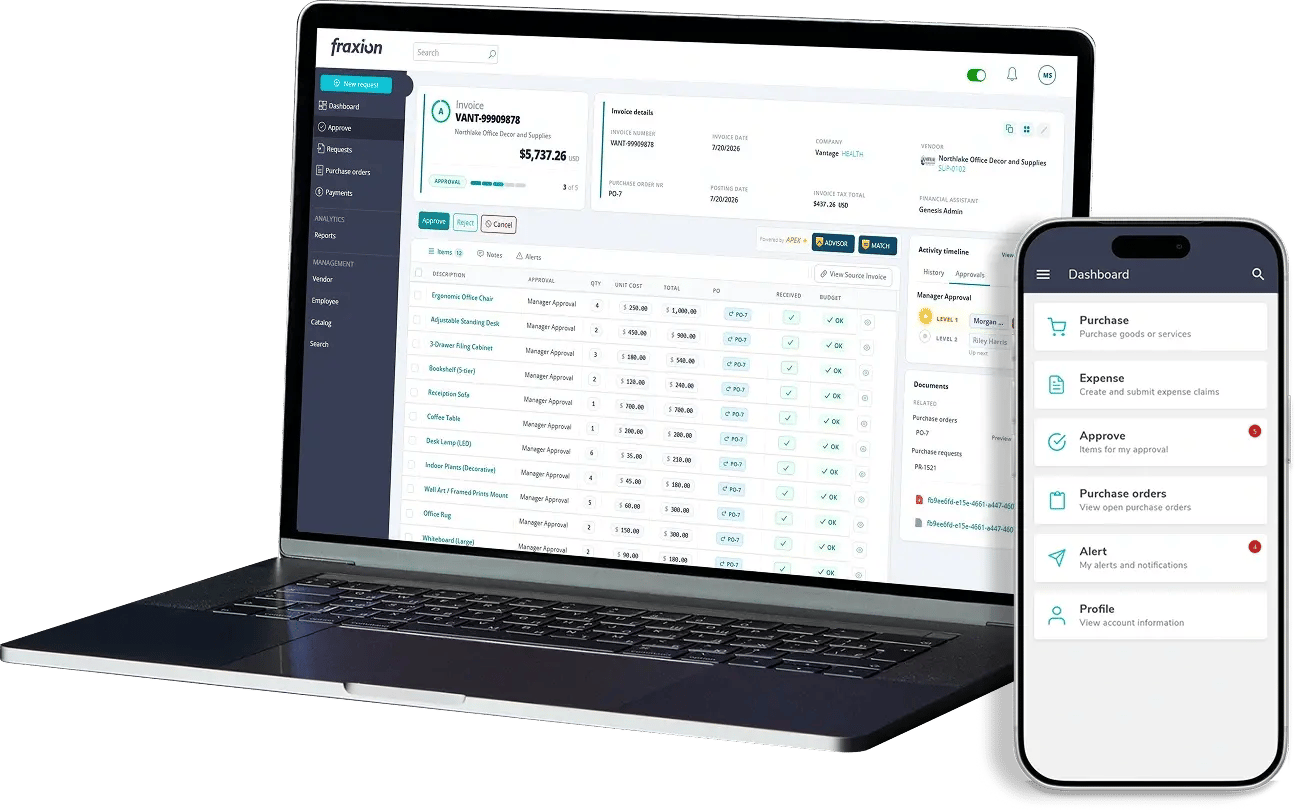
If you want AP automation that prevents costly mistakes, choose a platform built to enforce control, accuracy, and visibility from the start. Fraxion helps finance teams maintain accountability, reduce errors, and control costs.
- Coding is defined upfront, ensuring spend lands in the correct fund or project rather than requiring corrections later.
- AI-powered data extraction replaces hours of manual entry and the errors that typically follow.
- Approvals follow configured workflows, eliminating reliance on inboxes or informal processes.
- Invoices link directly to original orders, reducing exceptions and rework.
- Every step creates a clear audit trail, removing the need for manual tracking.
- ERP data stays aligned, preventing finance teams from reconciling conflicting information.
A system like Fraxion grows with your business while enforcing the rules you’ve previously had to manage manually. Schedule a demo to see the workflow in action and experience how it simplifies AP management.
FAQ
Why do AP automation projects fail even when the software is good?
AP automation projects can fail even with strong software because the biggest risks are rarely technical. Teams often skip stakeholder buy-in, lack understanding of the software's value and purpose, attempt to automate unclear workflows, or select tools that don’t provide internal controls. When these gaps persist, errors don’t disappear—they just move through the system faster.
What happens if we automate AP without mapping our workflow first?
If you automate AP without mapping your workflow first, you risk embedding the wrong process in the system. Teams who skip this step often automate the wrong tasks or leave core bottlenecks unresolved, resulting in more exceptions and slower month-end cycles—even in the new system.
How do I choose an AP automation tool that enforces AP controls?
To select an AP automation tool that truly enforces your process, define the issues that must be solved before evaluating features. Many tools look good in demos but cannot ensure coding, vendor rules, matching, policies, or approval paths—controls that finance relies on to reduce errors. Focus your evaluation on the system’s ability to prevent mistakes, not just on interface polish.
Why does ERP integration matter so much for AP automation?
ERP integration is important because AP automation works best when data stays in sync across vendors, budgets, GL codes, and payments. Poor integration leads to duplicate work, mismatched data, and forces finance teams back into manual checks—eroding the efficiency and accuracy automation is meant to deliver.
How do I make sure the AP system we choose can scale with us?
To ensure your AP system can scale, look beyond current invoice volumes and approval chains. Growth will expose weak systems—particularly as new locations are added, supplier lists expand, and audit requirements tighten. A truly scalable platform adapts to higher volumes and more complex controls without creating additional workarounds.