.jpg?width=131&height=20&name=OIP%20(15).jpg)
%201.webp?width=66&height=66&name=download%20(3)%201.webp)

.webp?width=96&height=40&name=OIP%20(27).webp)
%203.webp?width=43&height=43&name=OIP%20(2)%203.webp)
%201.webp?width=146&height=40&name=OIP%20(5)%201.webp)
%201.webp?width=147&height=40&name=SiriusXM%20WORDMARK%20BLUE%20RGB%20(1)%201.webp)

%203.webp?width=84&height=84&name=OIP%20(3)%203.webp)
%204.webp?width=69&height=44&name=OIP%20(2)%204.webp)
%201.webp?width=191&height=30&name=OIP%20(6)%201.webp)

Automate AP with Fraxion
AP automation that scales with your business
Manual accounts payable processing is slow, costly, and difficult to scale. Late payments, invoice errors, and processing costs can drain the business. AP automation can reduce invoice cycle times from 10–14 days to as little as 2–4 days, helping finance teams process more invoices without adding headcount.
Fraxion’s AP automation software extracts, reviews, codes, matches, and routes invoices for approval, reducing errors and automatically grading invoices for risk so approvers can focus on items that need closer review.
Finance teams gain real-time visibility into invoice status, outstanding liabilities, and payment cycles, while faster processing and early payment discount capture can help recover 1–2% of eligible spend and scale invoice volume without increasing operational costs.
Stronger control, fewer errors, and faster invoice processing with AP automation.
Available standalone or as part of Fraxion’s procure-to-pay suite.

%201.webp?width=110&height=128&name=users-love-us%20(003)%201.webp)


Invoice intake
Speed up invoice processing with instant intake via upload, drag-and-drop, or vendor email. Invoices are automatically queued for AI extraction, with a live counter showing exactly what is processing, so your team always knows what is in progress.

AI data extraction
Improve accuracy and speed up invoice processing with AI that extracts line-item data from electronic and handwritten invoices, including single- and multi-page documents, in seconds. Capture invoice numbers, vendor details, tax rates, currencies, and values with confidence scores, so your team can quickly verify data against the original PDF side-by-side.

Predictive coding
Improve efficiency with AI-assisted coding that suggests GL codes and cost allocation options for each line item, each rated with a confidence level. Select Auto Code to apply the highest-confidence suggestions across an invoice in one click. Your team always retains the final say.

Automated invoice matching
Manage risk and strengthen audit controls with automated 2- and 3-way invoice matching. Each match receives a confidence score and reasoning, while exceptions such as quantity and pricing discrepancies are flagged for review. Your team can accept matches with 90%+ confidence in bulk, while retaining judgment over exceptions.

AI review
Accelerate invoice review with AI-assisted grading that evaluates every invoice across risk areas such as extraction accuracy, anomalies, matching, and vendor reliability. Exceptions are flagged and approval actions recommended, from safe to approve to do not approve, so your team can focus review where it matters most.

Invoice approval
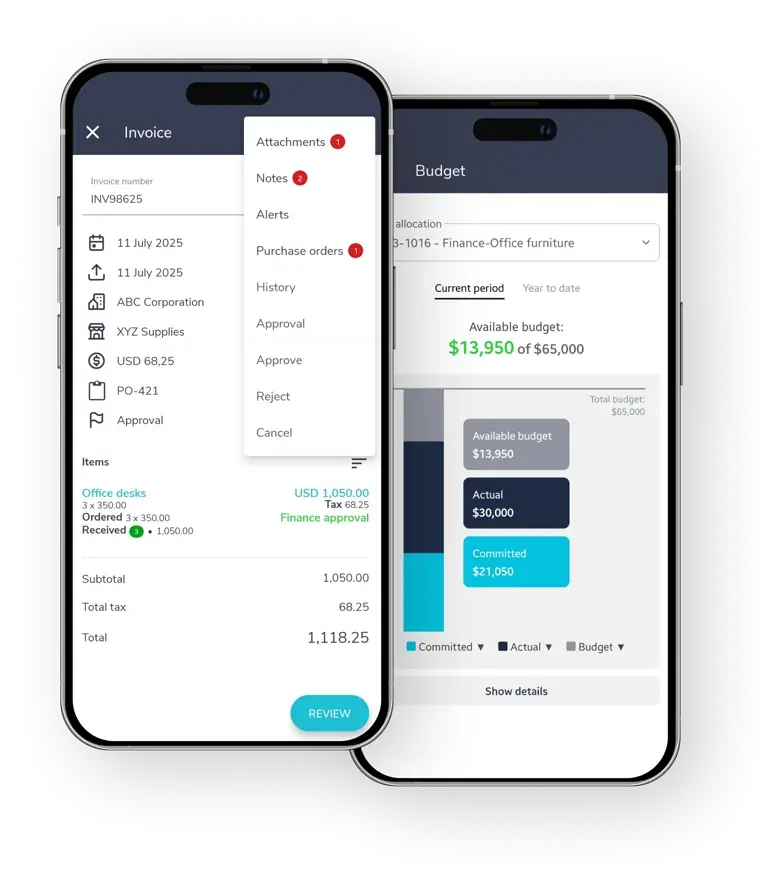
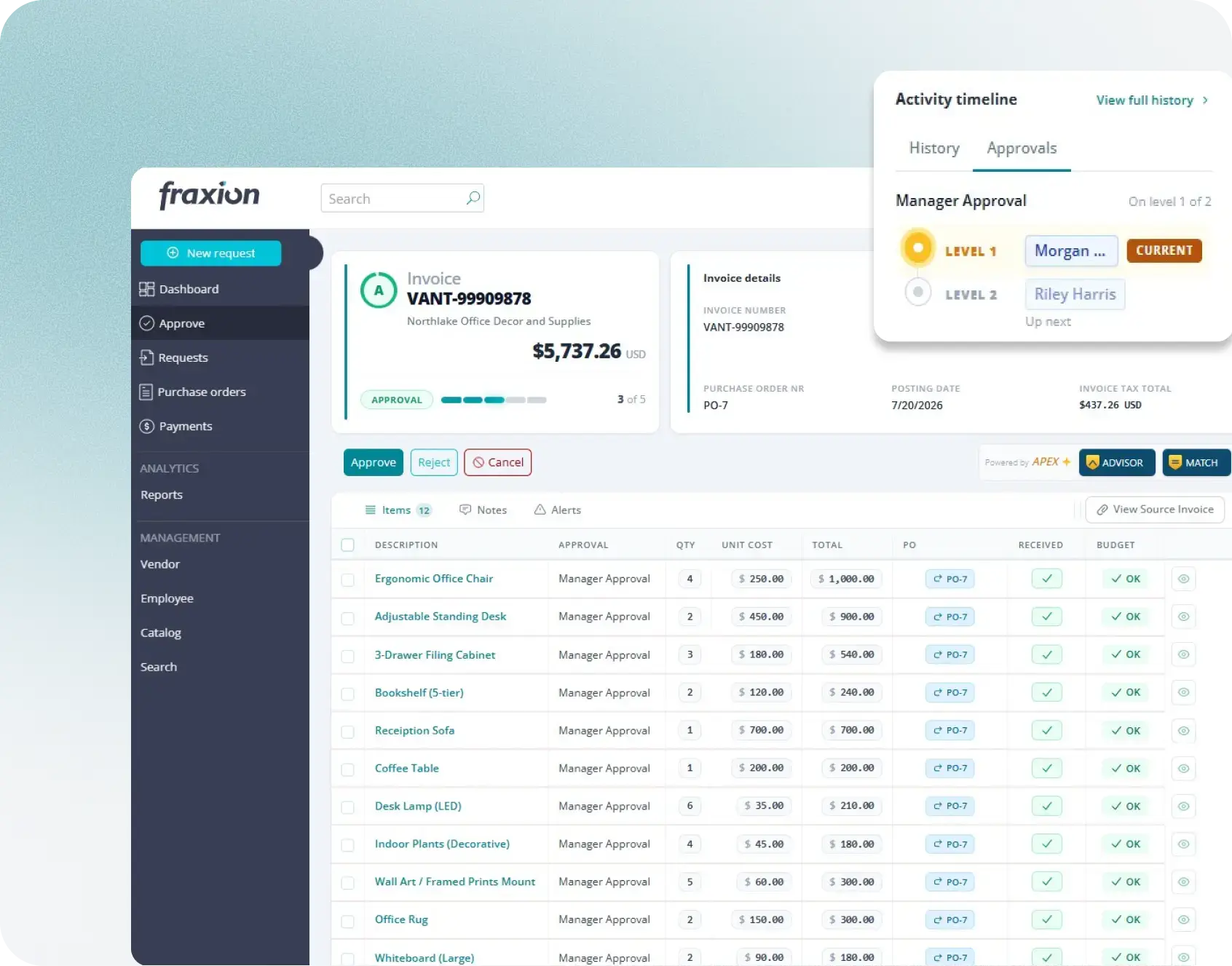
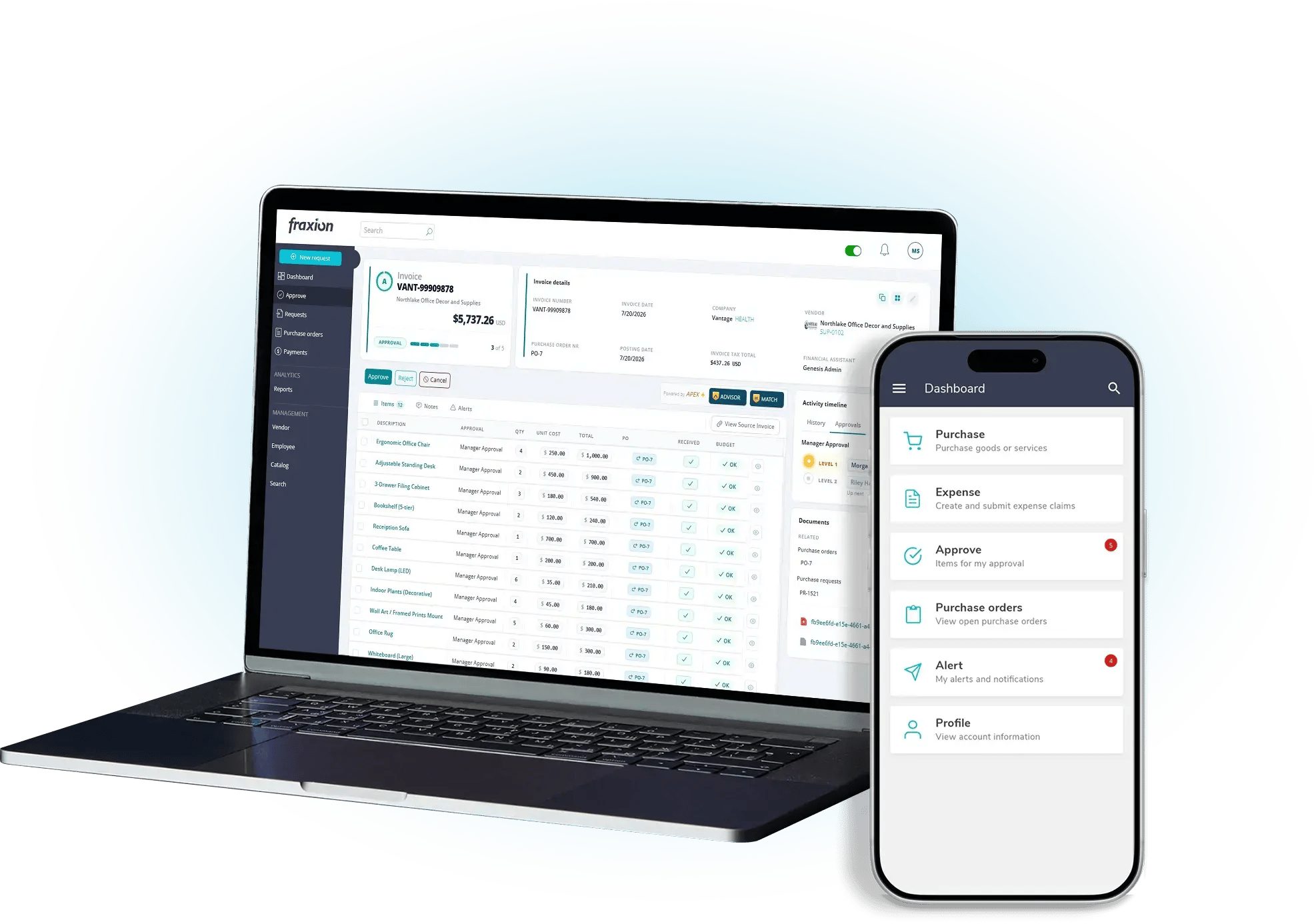
Improve financial control and compliance by enforcing the right approval workflows and delegation of authority, whether your team approves invoices on the web or mobile app. AI extraction, coding, automated matching, and risk grading give approvers the information they need to make informed decisions, while keeping the final decision with your team.

Invoice batching
Speed up high-volume invoice processing by batching approved invoices into a single review and export workflow. Reduce repetitive work and keep payments moving by processing statement-level invoices as one batch, not one at a time.
%201.svg)
AP insights
Improve AP performance and keep processing moving with up-to-date metrics and trend charts in the work center. The AP Usage dashboard provides a deeper view of processing performance and usage across your AP automation process.


.webp?width=2000&name=Image%20(60).webp)
Simplify day-to-day processing
Manage every invoice from a single screen — approve, assign, or action transactions without opening each one. See what needs attention, check status, and review risk, all at a glance. One consistent process handles invoices and credit notes alike, with no manual re-entry and nothing to duplicate.
.webp?width=2000&name=Image%20(55).webp)
The foundation for accurate AP
Reads every invoice automatically, extracting line-item data with a confidence score for each field — replacing hours of manual data entry and reducing the risk of human error. Low-confidence or missing values are flagged immediately, so issues get caught before they carry through to grading, matching, and approval.
.webp?width=2000&name=Image%20(63).webp)
Predictive coding. Your decision.
Suggest the most likely cost allocation for every line item, with a confidence score for each suggestion. Apply the highest-confidence suggestions across an entire invoice in one click, cutting hours of manual coding while your team keeps final sign-off.
.webp?width=2000&name=Image%20(54).webp)
Match faster. Resolve exceptions sooner.
Automatically compares every invoice line against the PO and, when three-way matching is used, the goods received to catch quantity and pricing mismatches before they become costly errors. Confidence scores and clear reasoning make every match easy to assess. Accept high-confidence matches in bulk and focus your time on the exceptions that require review.
.webp?width=2000&name=Image%20(52).webp)
Spot the risk before you approve
ADVISOR automatically grades every invoice and flags exceptions such as extraction errors, unusual amounts, and unmatched purchase orders. Your team can quickly see which invoices require attention and which present fewer risk indicators—without opening each invoice individually.
.webp?width=2000&name=Image%20(56).webp)
The final step, fully informed
By the time an invoice reaches approval, APEX has already extracted the data, matched it against the PO and, where applicable, the receipt, suggested the coding, and flagged items requiring review. This gives your team a complete view of the invoice and its risk indicators, so they can make an informed approval decision before it moves to payment.
.webp?width=2000&name=Image%20(58).webp)
See AP bottlenecks before they become backlogs
Get up-to-date visibility into AP performance with metrics for approval time, cycle time, and bottleneck stages, right in the work center. Trend charts show whether performance is improving or slowing over time, while the AP usage dashboard tracks usage and processing volumes across your team. Together, these give your team visibility across the AP process, helping catch bottlenecks early and improve performance before delays build up.