
Skip to content
Decentralized purchasing & mobility

Your teams purchase from anywhere. Your controls apply everywhere.

Fraxion gives distributed teams the flexibility to submit purchase requests and act on approvals from a browser, mobile app, or directly in Microsoft Teams, wherever work happens. Approval authority, spend policies, and budget controls are centrally configured and consistently enforced, so the right people approve the right purchases, without finance becoming the bottleneck for every transaction.

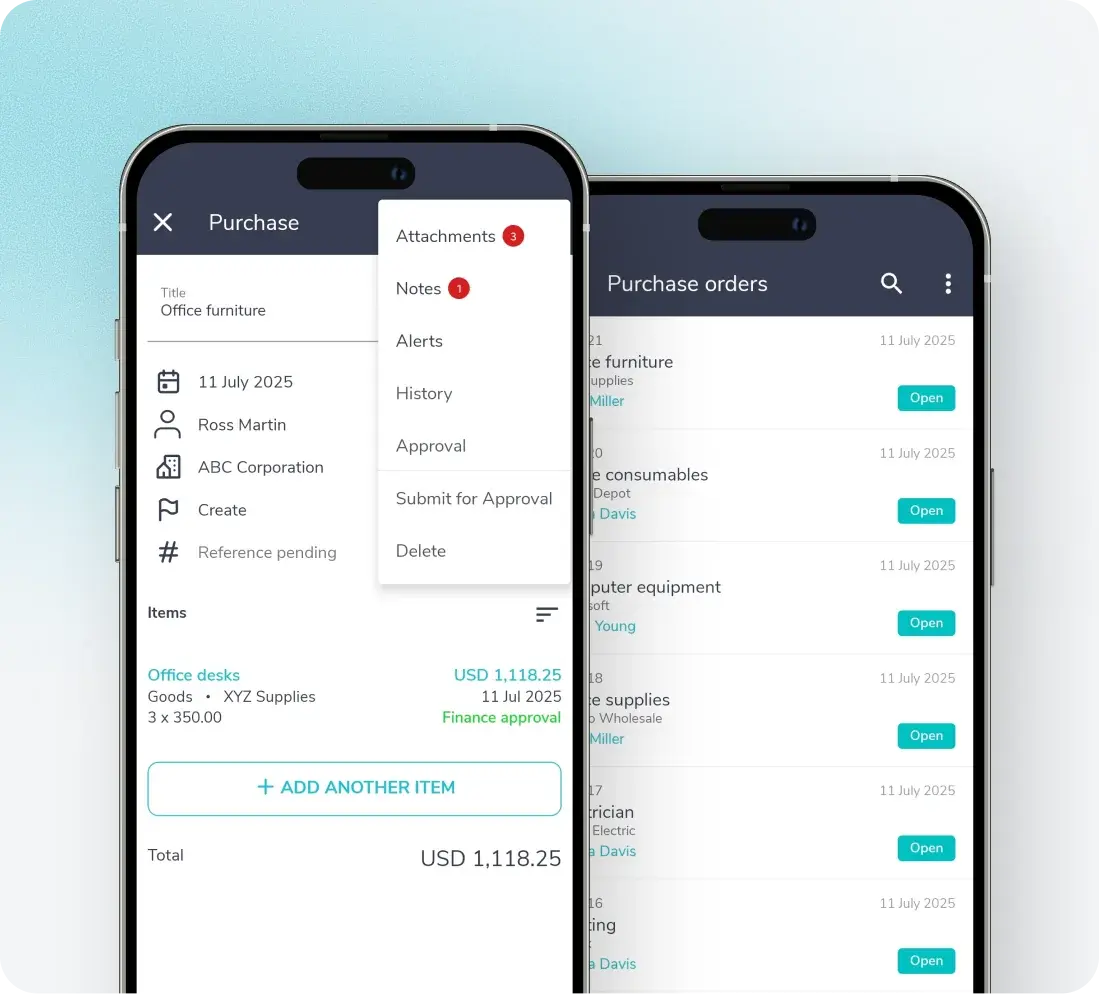
Two phones showing a mobile purchase request with an actions menu and a list of open purchase orders

Trusted by mid-market finance teams

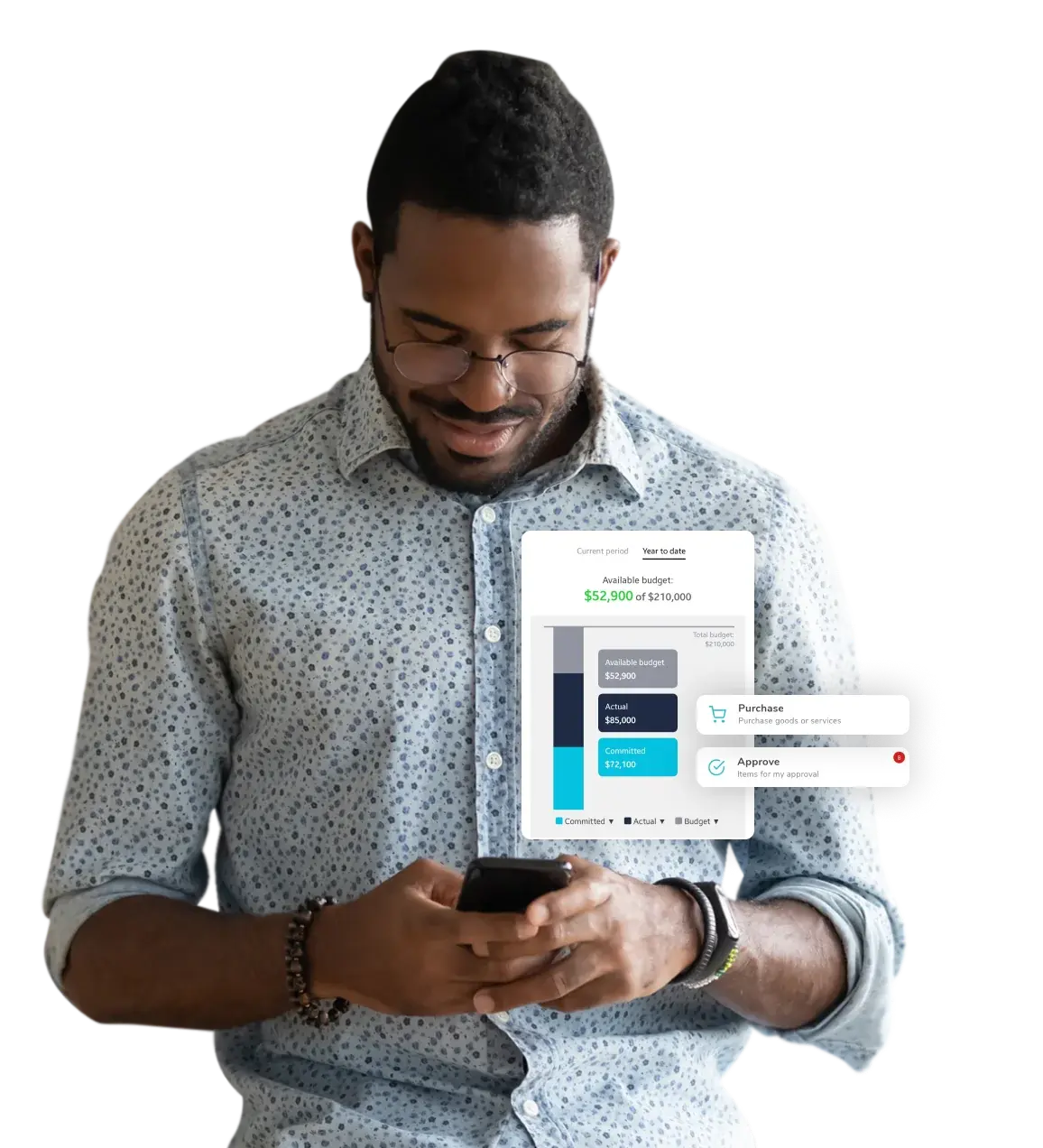
Fraxion mobile purchase request with budget check

The challenge

Distributed purchasing creates speed for your teams and blind spots for Finance

Remote and field-based teams do not stop purchasing because the right person is unavailable or not in the room, they find workarounds: personal cards, verbal approvals, unapproved vendors, and purchase orders raised after the fact.

Maverick spending bypasses policy entirely, and by the time anyone has visibility into what has been committed, the spend has already happened, the audit trail is incomplete, and the exposure falls on the people accountable for the numbers. Gain purchasing and spend control wherever work happens.

Decentralized purchasing & mobility

How it works

Mobile requisitions icon

Requisitions wherever work happens

Submit purchase requests from the browser, mobile app, or directly in Microsoft Teams, without waiting to be back at a desk.

Guided requests icon

Guided, compliant requests

Requests steer users to approved vendors, cost centers, and budget categories, with spend policies and authorization rules built into the workflow so every request arrives complete, compliant, and ready to action, regardless of who raised it or where.

Mobile approvals icon

Approvals on the go

Requests route and escalate automatically, and approvers can act in seconds from the web app, mobile app, or Microsoft Teams, with full context on the request, actual and available budget, and committed spend visibility before they approve.

Central control icon

Central control, distributed access

Spend policies, approval hierarchies, vendor controls, and budget visibility are configured and managed centrally. Every request is governed by the same rules, every exception is captured, and every decision leaves an audit trail. Speed and control stop being a trade-off.
3

access points to request and approve with budget visibility: browser, mobile app, and Microsoft Teams

Anywhere

 Submit and approve from the field, remote sites, or anywhere your teams work, all within policy

Up to

80%

faster approval cycles compared to manual and email-based purchasing and AP processes

SPEND MANAGEMENT ON-THE-GO

Decentralized purchasing, centralized control

Give employees the freedom to purchase from wherever work takes them, while finance maintains control over how and where company money is spent. With mobile purchasing, guided requests, approved vendors, and configurable approval workflows, Fraxion brings compliant purchasing and AP to every location—without slowing the business down. 

Explore the mobile app →

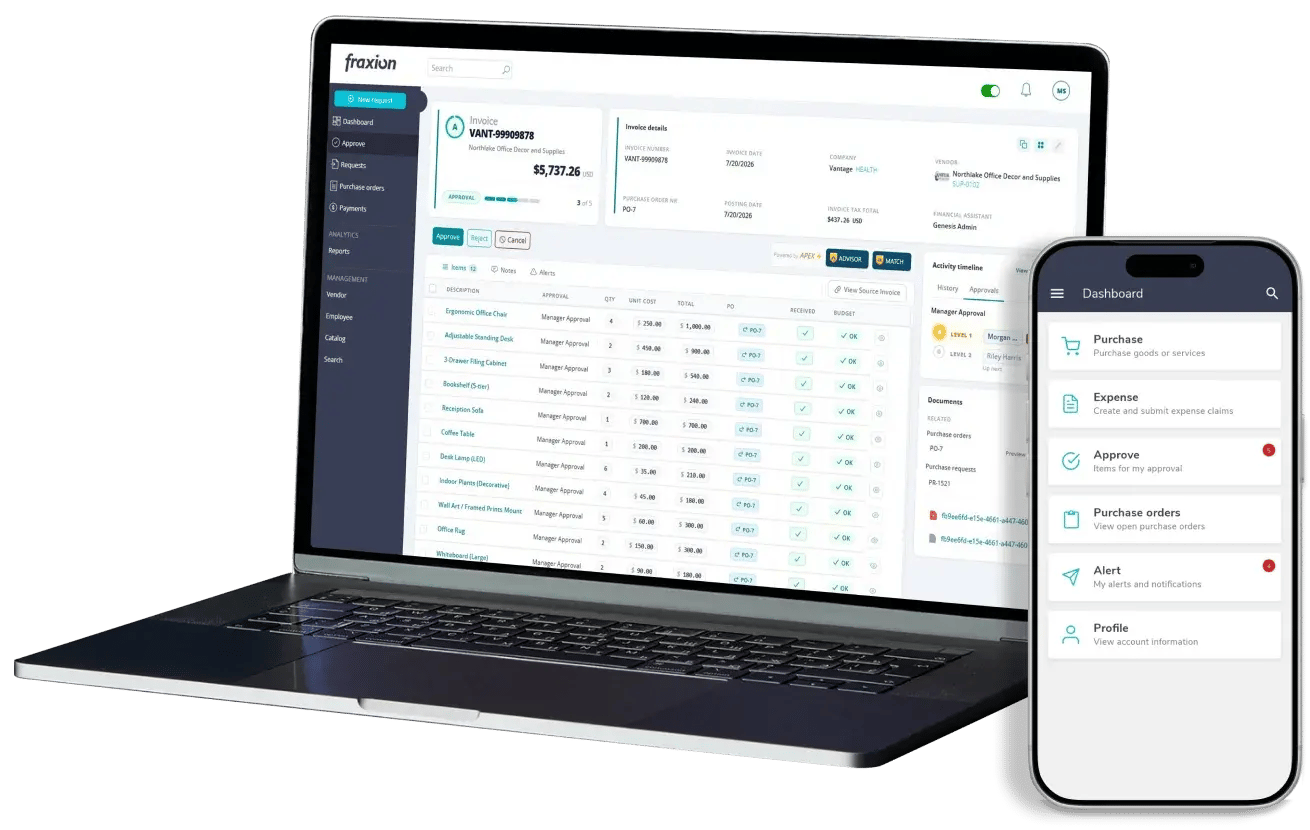
Fraxion procure-to-pay dashboard on a laptop

One of our key requirements is a robust approval matrix. Fraxion supports our complex needs with multiple levels and departmental thresholds, unlike many software products, which are limited to basic thresholds or locations. This setup meets our requirements and reduces financial risk.

Kevin W.

Director of IT Services, The Hotchkiss School

Proactive spend management on-the-go

FREQUENTLY ASKED QUESTIONS

FAQs

Ready to let your team purchase from anywhere without losing control?

Decentralized purchasing without central controls is where spend goes unmanaged. Give your teams the flexibility to purchase from anywhere, while approval authority, spend policies, and budget controls apply across every location, device, and department. Book a demo customized to your ERP, industry, and team size.

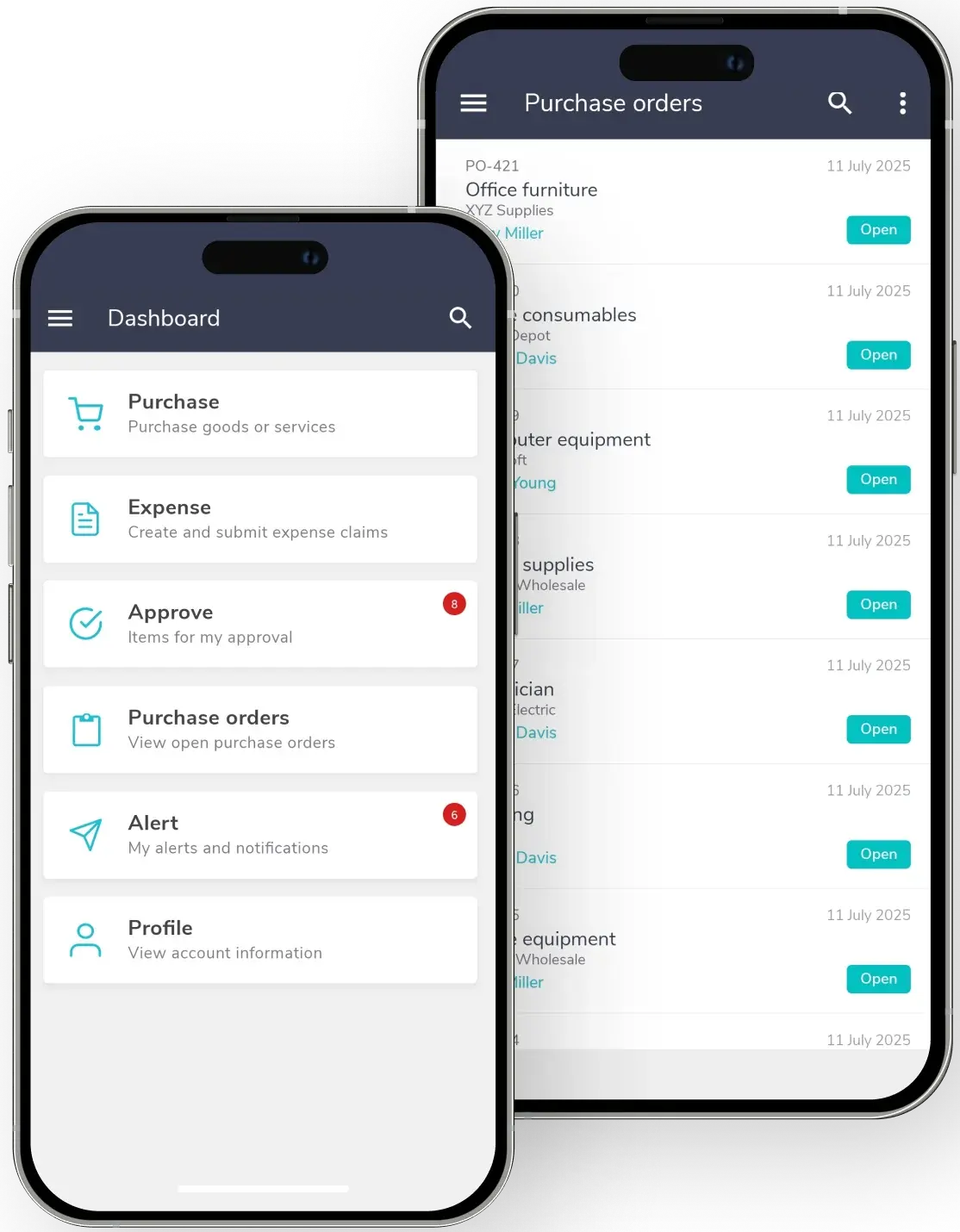
Two phones showing the mobile dashboard and open purchase orders