
Skip to content
QuickBooks integration

Procure-to-pay automation for QuickBooks

Fraxion’s native QuickBooks integration adds procurement, approvals, and AP automation as a pre-spend control extension to QuickBooks Online and Desktop, without changing how your team works in QuickBooks today.

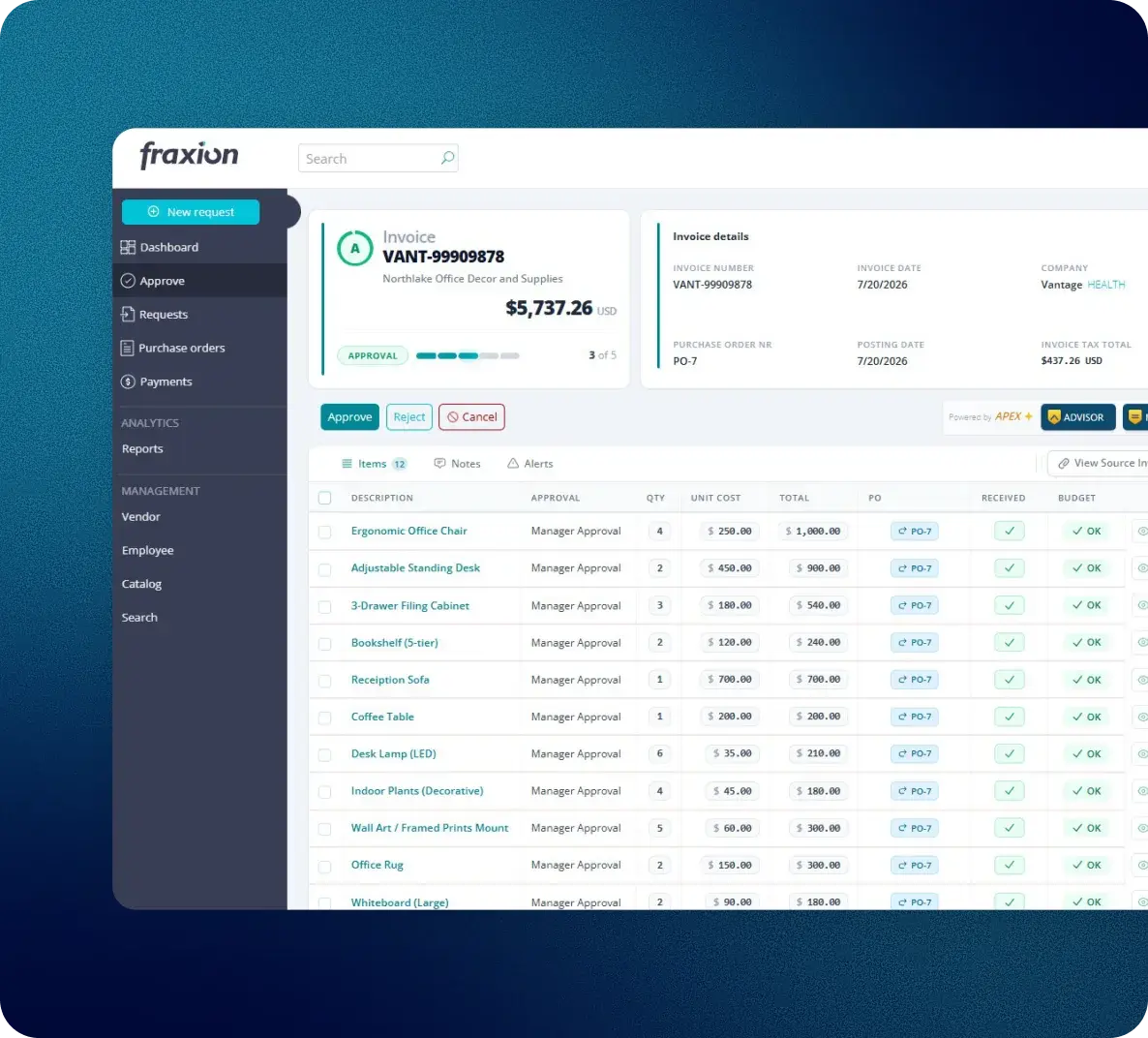
Fraxion invoice approval synced with QuickBooks

Fraxion integrates with Intuit QuickBooks

Pre-spend control for QuickBooks

Procurement and AP automation icon

Procurement and AP automation for QuickBooks

Fraxion runs the procurement decision and approval workflow while QuickBooks remains the accounting system of record. Approved purchase orders and invoices post automatically with full line-item coding.

Spend control icon

QuickBooks records spend, it doesn’t control it

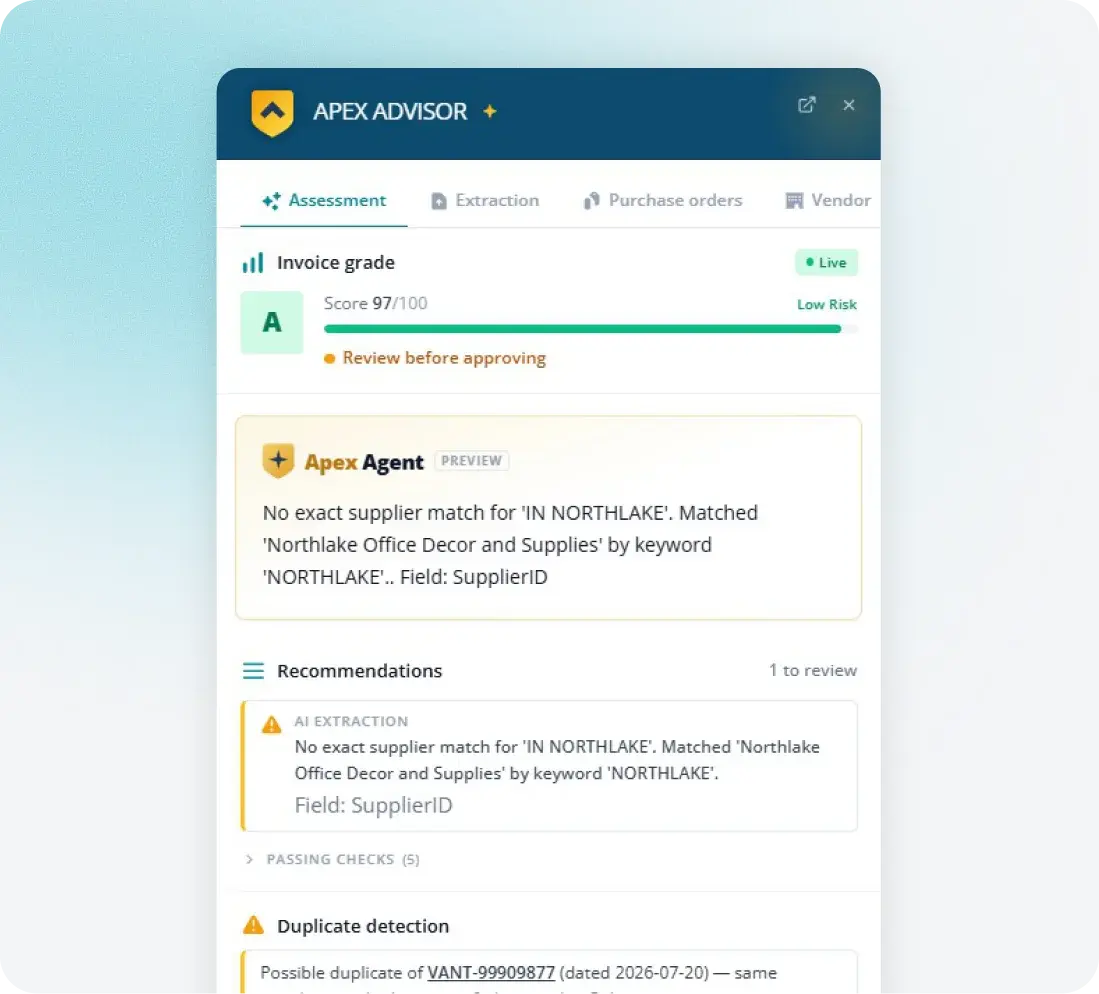
QuickBooks lacks a requisition layer, pre-approval workflows, and budget validation before purchase orders are issued. By the time an invoice reaches QuickBooks, the spend has already been committed. Fraxion adds proactive controls, approval workflows, and advanced spend analytics, enabling finance teams to make informed decisions before costs are incurred.

QuickBooks Online and Desktop icon

Built for QuickBooks Online and Desktop

Native support for both QuickBooks Online through the API and QuickBooks Desktop through the web connector, with the same Fraxion features on either.

Multi-entity support icon

Multi-entity support

Manage multiple QuickBooks companies from one Fraxion instance, common for property management, non-profits, and multi-location organizations.
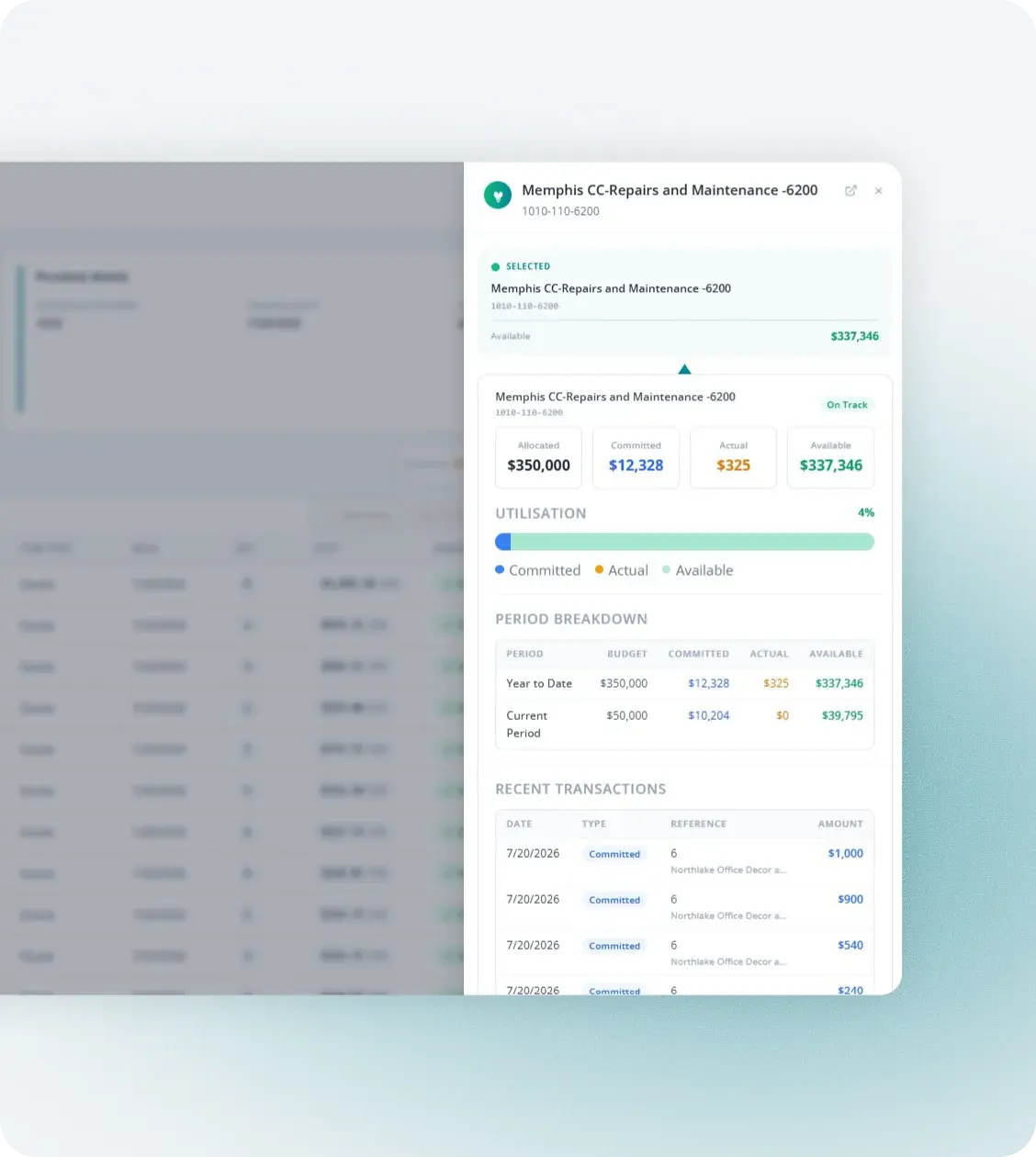
Fraxion budget detail synced with QuickBooks chart of accounts

What syncs

Whether your organization runs QuickBooks Online or the Desktop environment, Fraxion connects to both. The integration syncs your chart of accounts, vendors, purchase orders, and bills automatically, so your books stay accurate without manual re-entry.

Sync scope is configured to your setup. Many teams connect at both the purchase order and invoice level; others start with one and add the rest later. Once connected, Fraxion and QuickBooks can sync:

  • Vendor master

  • Chart of accounts and GL codes

  • Departments and classes for cost allocation

  • Budgets (QuickBooks to Fraxion)

  • Purchase orders (Fraxion to QuickBooks Online)

  • Approved invoices with line-item coding (Fraxion to QuickBooks)

  • Payment status (QuickBooks Online to Fraxion)

We’re able to keep our costs down and have the peace of mind that requests are getting the right approvals. Auditing has been smoother since implementing Fraxion.

Kelly C.

Partner, Information Technology

Starting points

Already on QuickBooks? Here’s where most teams start

Most QuickBooks users come to Fraxion with one of two immediate needs: approval workflows that don’t live in email, or tighter pre-spend controls before invoices arrive. Both connect directly to your existing QuickBooks environment from day one, with no reimplementation needed as you expand.

View integrations →

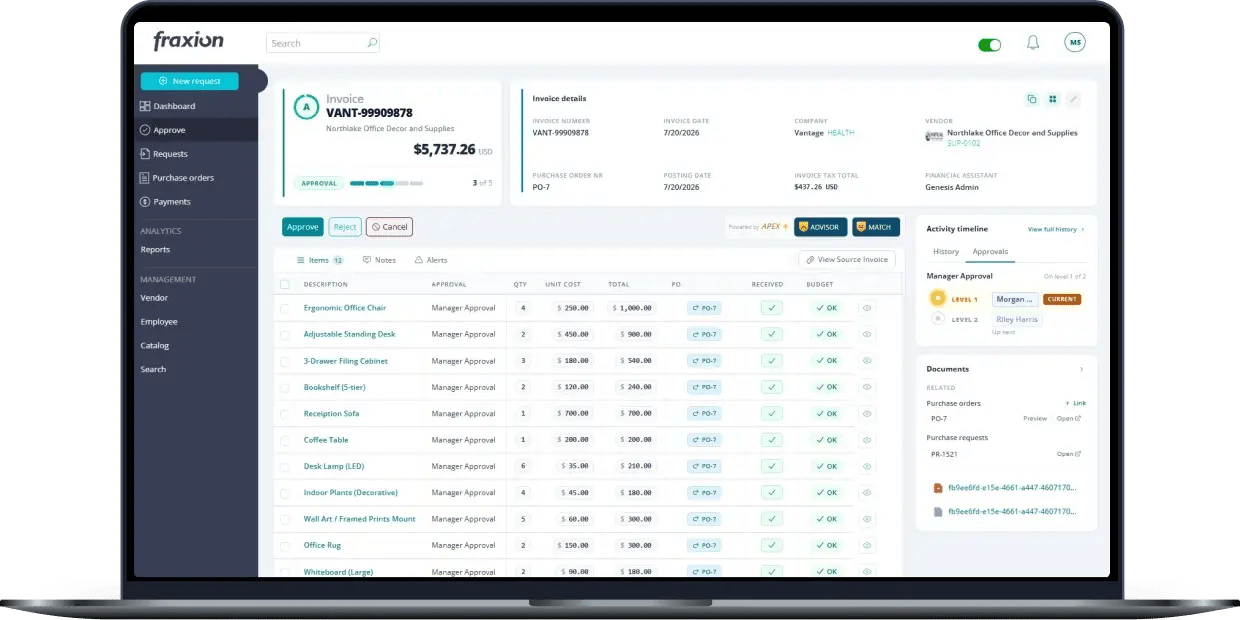
Fraxion invoice approval dashboard on a laptop

Extend QuickBooks with Fraxion

FAQs

See Fraxion and QuickBooks in action

Tell us which version you’re running, Online or Desktop. We’ll walk you through how data flows between the two systems, and show you a demo scoped to your setup. See it for yourself.

Fraxion invoice list synced with QuickBooks